Live channels with a real TV guide, movies and series, any audio track and subtitle — on your phone, tablet and TV, with your favorites and progress synced between them.
Player NextGen is a player: it doesn't include any channels. Add your own IPTV service (Xtream Codes or M3U).
Phones, tablets and Chromebooks, Android TV and Google TV
Fire TV and Fire tablets
Coming soon
LG webOS
Samsung TV
iPhone, iPad and Apple TV
See it in action
Everything you need to watch
Use it without an account, or sign in with Google to take it all to your other devices.
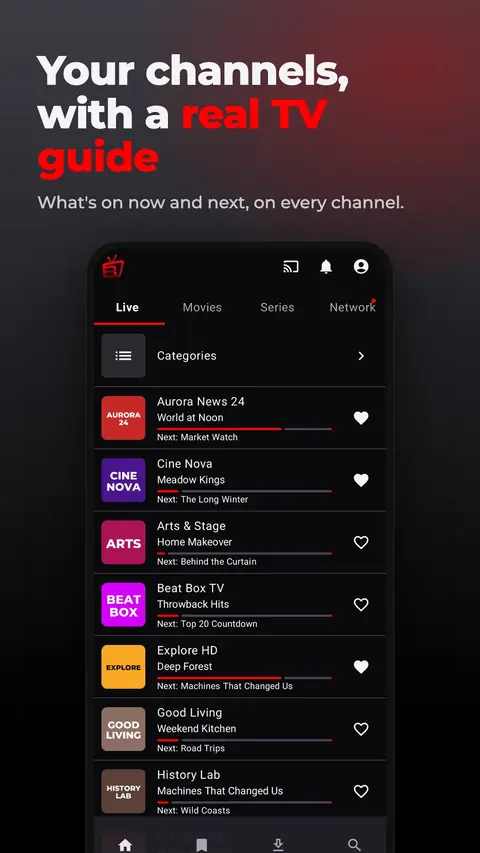
A real TV guide
What's on now and next on every channel, upcoming programs, and search across the whole guide.
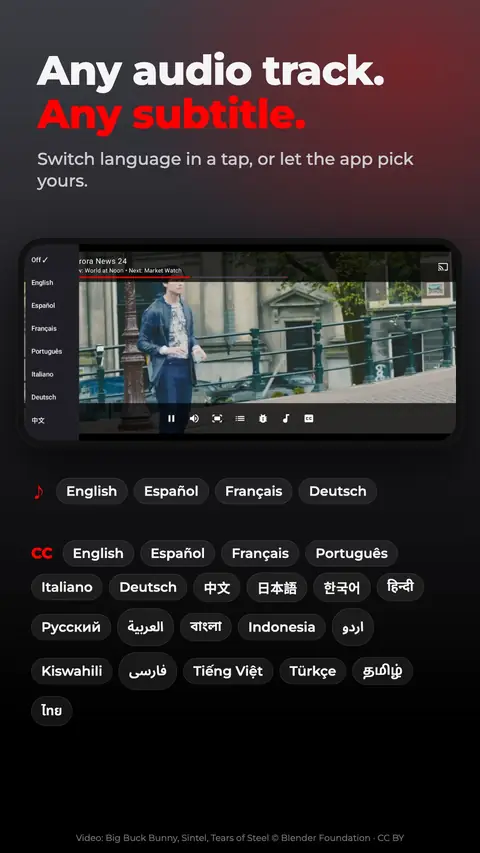
Any audio track, any subtitle
Switch language in a tap, or let the app pick yours. Image-based subtitles included.
Made for the big screen
An Android TV and Google TV app built for the remote. Sign in on your TV with a QR code in seconds.
Cast to your TV
Google Cast from your phone. On Google TV and Android TV, casting opens the app itself.
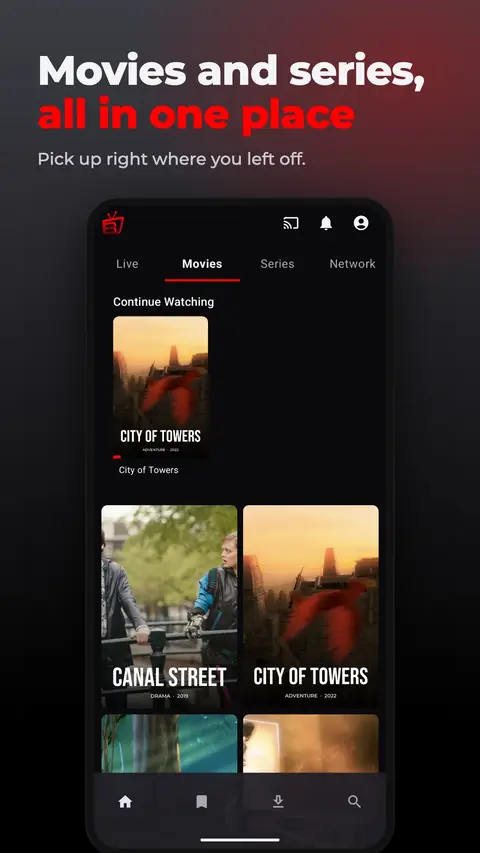
Movies and series
Continue watching right where you left off, with favorites and recently watched at hand.
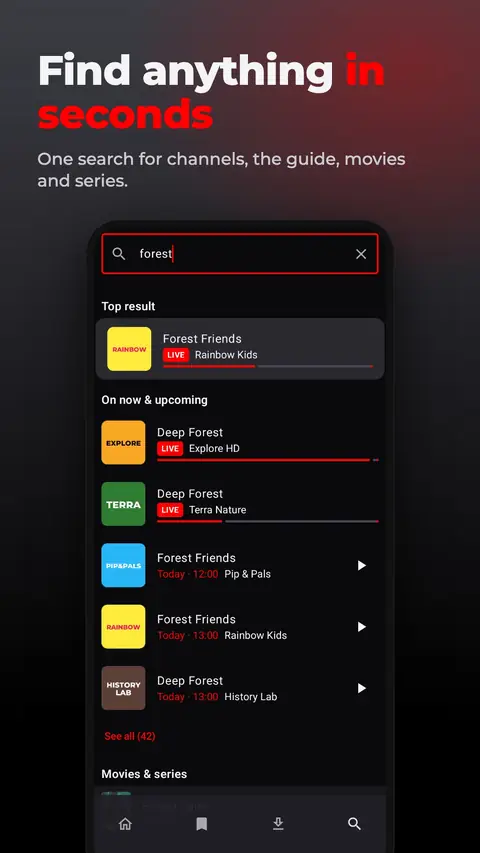
One search
Channels, the guide, movies and series, all in a single search.
Synced and private
Your providers, favorites and progress on every device, with provider logins and history encrypted.
Your home network
Play videos and music from media servers and other devices on your network.
How it works
Install the app
Get Player NextGen from Google Play, or from the Amazon Appstore on Fire TV and Fire tablets.
Add your IPTV service
Enter your Xtream Codes account, or an M3U playlist link or file.
Watch on every screen
Your channels, guide, movies and series, on every device you sign in to.
Frequently asked questions
Is Player NextGen free?
Yes. The app is free to download and use. It may show short video ads.
Does it include channels?
No. Player NextGen is a player only: it doesn't provide, sell or recommend any channels or providers. You add the IPTV service you already have.
Which services and formats does it support?
Xtream Codes accounts and M3U or M3U8 playlists, from a link or a file, with XMLTV program guides. It plays HLS, MPEG-DASH, MPEG-TS and most common video formats.
Which devices can I use?
Android phones and tablets (Android 7.0 or later), Chromebooks, Android TV and Google TV, plus Fire TV and Fire tablets from the Amazon Appstore. Apps for LG webOS, Samsung TV and Apple devices are on the way.
Do I need an account?
No, you can use it without one. Sign in with Google to keep your providers, favorites and progress in sync across your devices.
Is my provider login safe?
Your provider credentials are encrypted on your device and in your account, and they're never included in analytics or crash reports.
 Player NextGen
 Phones, tablets and Chromebooks, Android TV and Google TV
 Fire TV and Fire tablets